

WordPress
Jetpack 16.4 Adds MCP Abilities Allowlist and AI Agent Logging to WordPress: Pricing & Bloat Review
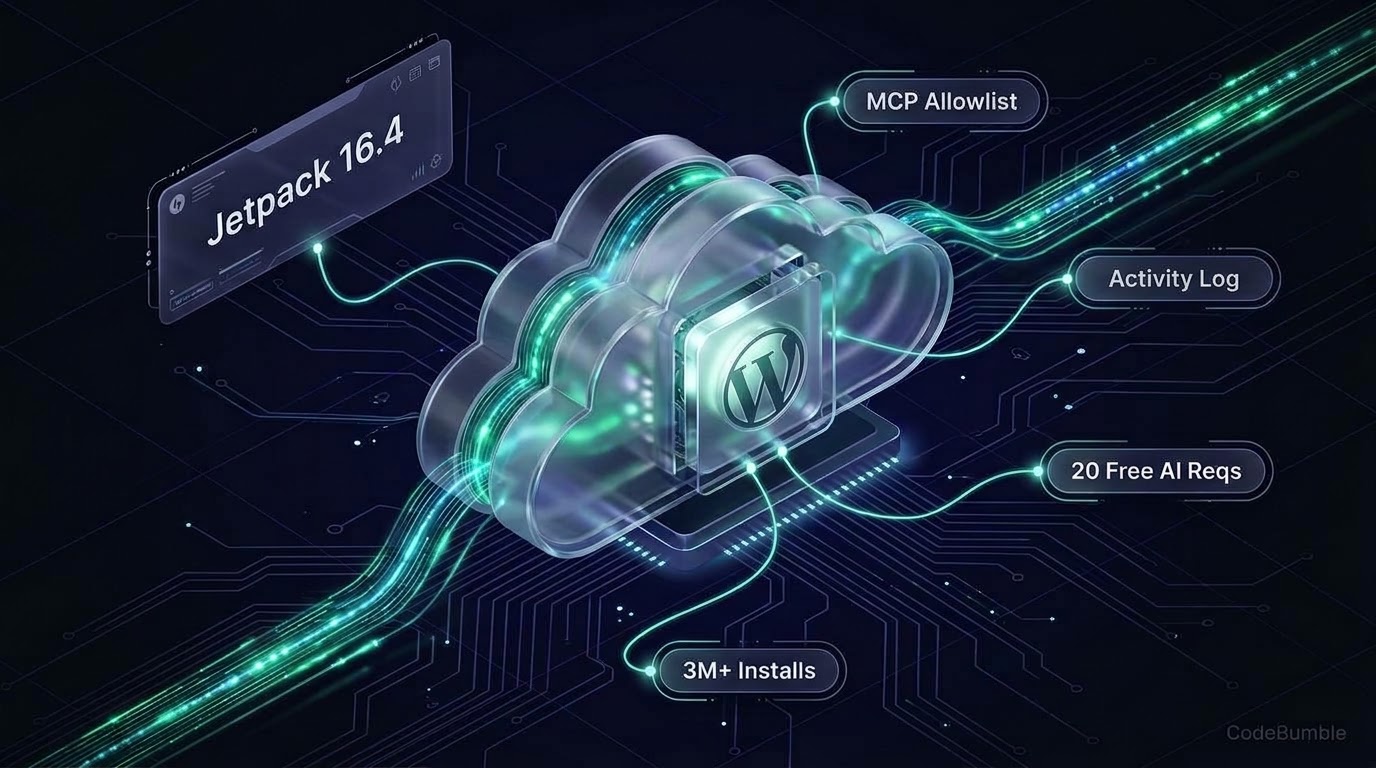
Jetpack 16.4 (November 3, 2026) adds a remote abilities allowlist to MCP Read/Write views and AI agent filtering in the activity log across 3+ million WordPress sites. With free MCP agent access ending November 30, 2026 and editor AI capped at 20 lifetime requests, here is our November 22, 2026 audit of Jetpack's pricing, cloud lock-in, and bloat.
9 min read
Jetpack 16.4 Adds MCP Abilities Allowlist and AI Agent Logging to WordPress: Pricing & Bloat Review
Executive Summary
Jetpack – AI Agents & MCP, Security, Backup & Analytics (v16.4, released November 3, 2026) by Automattic has formally repositioned WordPress's largest all-in-one utility suite around Model Context Protocol (MCP) agents and AI editorial tools. Rather than asking site owners to self-host an MCP server, Jetpack routes external clients—including ChatGPT, Claude, Claude Code, Cursor, VS Code, and Codex—through WordPress.com's cloud bridge, and v16.4 introduces a remote abilities allowlist for MCP Read/Write views alongside an AI-agent-filtered activity log.
Pricing and install stats verified as of November 22, 2026: Jetpack runs on 3+ million active WordPress installations (3.7 / 5 across 2,413 reviews). Its AI pricing is split across two distinct meters with a looming deadline. First, external MCP agent access is currently free with no paid plan required until November 30, 2026; after that date, Jetpack's documentation states MCP access requires a paid Jetpack AI or Jetpack Complete plan. Second, the in-editor Jetpack AI Assistant gives every site only 20 lifetime free requests (non-renewing). Paid bundles under Automattic's Black Friday sale (50% off Year 1 through December 2, 2026) start at $14.50/month billed yearly for Jetpack Pro (renewing at $29.00/month) and $24.50/month billed yearly for Jetpack Complete (renewing at $49.00/month), with no Bring Your Own Key (BYOK) option.
Growth Signals & WordPress.org Telemetry
Unlike specialized MCP newcomers with a few thousand installs, Jetpack brings MCP and AI capabilities to an existing footprint of over three million sites. However, its WordPress.org telemetry also reflects long-standing community friction over paywalls and plugin complexity.
| Telemetry Metric | Verified Value (November 22, 2026) | Source |
|---|---|---|
| Current Version | 16.4 (November 3, 2026) |
WordPress.org |
| Active Installations | 3+ million |
WordPress.org |
| WordPress Compatibility | Requires 7.0+, Tested up to 7.1.5 |
WordPress.org |
| PHP Requirement | 7.4 or higher |
WordPress.org |
| User Rating | 3.7 / 5 (2,413 reviews: 1,454 5-star, 585 1-star) |
WordPress.org |
| Support Resolution | 69 out of 81 issues resolved in last 2 months |
WordPress.org |
| Editor Footprint | 56 Gutenberg blocks included |
WordPress.org |
Notice the WordPress core floor: Jetpack 16.4 requires WordPress 7.0 or higher (tested up to 7.1.5), aligning directly with WordPress 7.x's native Abilities and connector ecosystem. Recent October–November 2026 reviews on WordPress.org highlight the split sentiment: users praise Jetpack's Happiness Engineers for fast troubleshooting, while 1-star and 4-star reviewers continue to criticize paywalled stats and perceived dashboard complexity.
What Shipped in Jetpack 16.2 through 16.4
v16.2(September 10, 2026): Renamed the admin menu item to Jetpack AI, added Quick Start links for connecting Claude and ChatGPT, and introduced an AI SEO control toggle.v16.4(November 3, 2026): Added a remote abilities allowlist to MCP Read and Write views on self-hosted sites, search and copyable per-tool links, pinned toolbars, Activity log filtering for AI-agent actions, and explicit REST API schema descriptions forNewsletterfields so AI agents send accurate parameters.
AI Architecture, Pricing Breakdown & Verification Timestamp
Jetpack divides its AI stack into two separate architectures: a cloud-bridged MCP server for external agents and in-editor Gutenberg AI tools.
How Jetpack's Cloud MCP Bridge Works (And Its Hard Limits)
Instead of exposing a local plugin-hosted MCP server on your PHP worker pool, Jetpack uses your WordPress.com account connection (requiring XML-RPC or Jetpack's authenticated bridge) to route MCP requests from ChatGPT, Claude, Cursor, VS Code, or Codex to your site. Because one WordPress.com account can hold multiple connected sites, a single MCP connection can query across all sites linked to that account. On self-hosted sites, Jetpack → Jetpack AI provides three tabs: Overview, AI Features (per-feature toggles), and MCP and Connectors (where v16.4 lets admins whitelist specific remote abilities for Read vs. Write access and inspect the AI activity log).
Automattic also publishes 26 ready-made prompts on Jetpack.com/ai—splitting them into Reads only (weekly site reports, launch readiness checks, backup checks, security scans) and Can make changes (turning form submissions into FAQ drafts, building event pages with RSVP forms). Importantly, Jetpack documents explicit capability boundaries for MCP agents:
- What MCP agents can do: Write and edit posts or pages (including editing a single block while leaving the rest untouched), manage comments, update site title and tagline, read views/visitors, check backup status and Jetpack Scan results, trigger a new security scan, and enable downtime alerts.
- What MCP agents cannot do: Restore a backup, automatically fix a detected security threat, optimize site speed, or pull granular top-posts and visitor-referrer breakdowns.
Verified Pricing & Request Limits (November 22, 2026)
Pricing and install stats verified as of November 22, 2026 across Jetpack.com/pricing, Jetpack.com/ai, and Jetpack's AI usage documentation (updated November 18, 2026):
| Plan / Tier | Year 1 Black Friday / Regular Price | In-Editor Jetpack AI | External MCP Agents | Verified Date |
|---|---|---|---|---|
| Jetpack Free | $0 (always free) |
20 lifetime requests (non-renewing) |
Free until Nov 30, 2026; paid plan after | Nov 22, 2026 |
| Jetpack Pro | $14.50/mo ($174/yr); renews $29/mo ($348/yr) |
High request capacity + logo generation | Included (with 50 GB VaultPress Backup & 30-day log) | Nov 22, 2026 |
| Jetpack Complete | $24.50/mo ($294/yr); renews $49/mo ($588/yr) |
High request capacity + logo generation | Included (with 1 TB VaultPress Backup & 1-year log) | Nov 22, 2026 |
| Bring Your Own Key (BYOK) | Not supported | None (cloud-metered only) | None (uses ChatGPT/Claude client subscription + Jetpack plan) | Nov 22, 2026 |
Request-Counting & Multisite Caveats: Every action inside the AI Assistant block, Form AI Assistant, excerpt generator, image/featured-image generator, or editorial feedback tool consumes 1 request from your 20-request free pool (failed image generations do not count, and Write Brief with AI is currently exempt). Once those 20 requests are spent, they never reset—you must upgrade to standalone Jetpack AI, Pro, or Complete. On WordPress Multisite networks, free features work network-wide, but each subsite requiring paid features needs its own paid subscription. Agencies managing five or more sites can access up to 80% multi-site discounts through Jetpack's partner licensing program, and all yearly plans carry a 14-day refund window (7 days for monthly plans).
WordPress Performance Footprint, Security & Lock-In Check
Jetpack's reputation for "bloat" stems from bundling 56 Gutenberg blocks and dozens of modules into one plugin, though Automattic also distributes standalone single-purpose plugins (Jetpack Boost, VaultPress Backup, Jetpack Protect, Jetpack Stats, Jetpack Search, Jetpack Social, Jetpack VideoPress) if you want to avoid the monolith.
Performance & Bloat Trade-Offs
- Cloud offloading vs. local overhead: Backups, malware scanning, Elasticsearch site search, and image CDN resizing run on WordPress.com's cloud rather than your origin PHP/MySQL server, and
v16.4specifically trimmed duplicate My Jetpack product/plan requests to speed up admin page loads. - Modular kill switches: You can disable all AI tools globally under
My Jetpack → Features(toggling offJetpack AI), disable individual AI sub-features underJetpack → Jetpack AI → AI Features, or turn off MCP entirely at any time. - Standalone alternative: If you only want
Core Web Vitalsoptimization or backups without the full 56-block suite, Automattic offersJetpack BoostandVaultPress Backupseparately—though MCP agent orchestration lives in the core Jetpack plugin.
Security, Rollback & Cloud Lock-In
- Role-Scoped Permissions & Read-Only Mode: An external AI agent never exceeds the permissions of the authenticated WordPress user, and you can connect ChatGPT or Claude in Read-only mode first or restrict specific tools via
v16.4's remote abilities allowlist. - Activity Log vs. Paid Rollback: Free sites only retain 20 events in the activity log. While trashed posts can be restored for 30 days, overwriting existing text or deleting media cannot be undone without a backup—and Jetpack explicitly notes that one-click site rollbacks require paid VaultPress Backup (
ProorComplete). - WordPress.com & XML-RPC Dependency: Jetpack's MCP bridge, stats, and backups require linking a WordPress.com account and keeping a publicly accessible site with XML-RPC enabled. If you disconnect WordPress.com or disable XML-RPC at the host/WAF level, cloud-bridged MCP and Jetpack services stop working.
- AI Training Policy: Automattic states that WordPress.com does not use data from Jetpack's MCP tools to train AI models, though whatever content your connected client (ChatGPT or Claude) reads is governed by that client's own privacy policy.
Verdict: Who Should Install Jetpack 16.4?
- Strong fit: Site owners and WooCommerce stores already paying for Jetpack Pro or Complete (for VaultPress Backup, Scan, and Akismet) who want zero-setup MCP access from ChatGPT or Claude with 1-click backup rollbacks and
v16.4ability allowlists. - Weak fit: Performance-purist developers who block
XML-RPC, want BYOK OpenAI/Anthropic/OpenRouter control, or need a permanently free self-hosted MCP server after November 30, 2026 (whereMCP Adapter,Easy MCP AI, orBetterDocsoffer free, un-metered local endpoints).
Frequently Asked Questions (FAQ)
1. Is Jetpack's WordPress MCP integration free?
Jetpack's MCP agent access (for ChatGPT, Claude, Cursor, and VS Code) is free with no paid plan required until November 30, 2026. After November 30, 2026, Jetpack's support documentation states that external MCP access requires a paid Jetpack AI or Jetpack Complete plan.
2. How many free requests does Jetpack AI Assistant include?
Every connected WordPress site receives 20 free lifetime requests for the in-editor Jetpack AI tools (drafting, image generation, excerpts, forms, and feedback). These requests do not renew monthly; once used, you must upgrade to a paid plan.
3. Does Jetpack AI support Bring Your Own Key (BYOK)?
No. Jetpack AI does not accept personal OpenAI, Anthropic, or OpenRouter API keys for its in-editor assistant. All editor AI requests are metered through Automattic's WordPress.com cloud.
4. What did Jetpack 16.4 change for MCP and AI security?
Released on November 3, 2026, Jetpack 16.4 added a remote abilities allowlist to the MCP Read and Write views on self-hosted sites, per-tool search and copyable links, and an AI-agent filter in the Activity Log so admins can audit every change an agent made.
5. Can I undo an AI agent's mistake on my WordPress site?
Trashed posts remain recoverable for 30 days, but edited copy or deleted media cannot be reverted from the activity log alone. Full one-click point-in-time restores require a paid VaultPress Backup plan (included in Jetpack Pro and Complete).
6. Can I disable Jetpack AI without uninstalling Jetpack?
Yes. Go to My Jetpack → Features and toggle off Jetpack AI to hide all editor AI features, or disable MCP access and individual tool groups under Jetpack → Jetpack AI.
Sources
- WordPress.org Plugin Directory — Jetpack – AI Agents & MCP, Security, Backup & Analytics (
v16.4) (Released November 3, 2026; verified November 22, 2026) - Jetpack Official Pricing — Jetpack Pricing: Plans for Security, Speed & Growth (Verified November 22, 2026)
- Jetpack AI Product Page — Run Your WordPress Site with Claude or ChatGPT | Jetpack AI (Verified November 22, 2026)
- Jetpack Support Docs — Manage Jetpack AI settings (Updated November 9, 2026; verified November 22, 2026)
- Jetpack Support Docs — Create Better Content with Jetpack AI (Updated November 18, 2026; verified November 22, 2026)