

Automation
Trigger.dev v4.8.10 and v4.8.9: OpenTelemetry Metrics, Audit Logs, and Remote MCP Ops
Trigger.dev v4.8.9 and v4.8.10 (November 23, 2026) fix silent OpenTelemetry metric drops in trigger.config.ts, introduce an organization-wide audit log and CLI version expiry warnings, expand the remote MCP server with TRQL alerts and webhook management, and change self-hosted ClickHouse event retention to ~37 days.
9 min read
Trigger.dev v4.8.10 and v4.8.9: OpenTelemetry Metrics, Audit Logs, and Remote MCP Ops
Executive Summary
- OpenTelemetry Metrics Export Fixed (v4.8.10): Metrics generated by OpenTelemetry instrumentations configured in
trigger.config.ts—such asHTTP,undici, andpg—are now recorded and exported instead of being silently dropped. Teams that previously added manualinstrumentation.setMeterProvider(metrics.getMeterProvider())workarounds ininitmust remove them to prevent duplicate observable callbacks and skewed metrics like event loop utilization. - Organization Audit Logs and CLI Expiry Warnings (v4.8.10): A new organization-level audit log tracks credential, environment variable, and membership changes by actor, IP, country, and request source, while
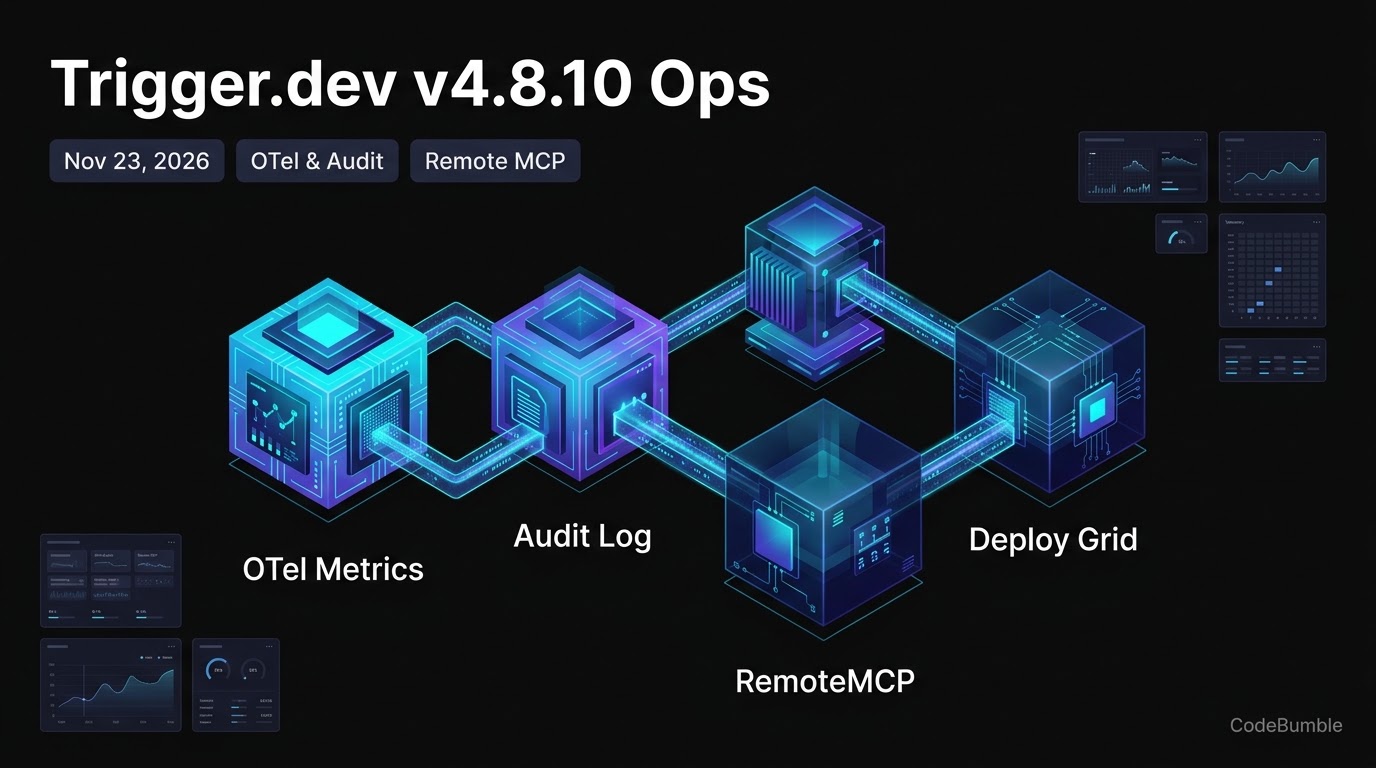
trigger deploynow issues non-blocking expiry warnings ahead of CLI version cutoffs across--native-build,--local-build, and--depot-build. - Deployment Activity Grid and Remote MCP Expansion (v4.8.9, v4.8.8): The dashboard adds a 365-day deployment activity heatmap, dedicated deployment and schedule pages, and expanded remote Model Context Protocol (MCP) server tools for custom TRQL query alerts, webhook endpoint management, and approval-gated bulk run actions.
- Breaking Self-Hosted Retention Change (v4.8.9): Self-hosted deployments storing task events in ClickHouse now default to retaining new events for approximately 37 days rather than roughly one year unless
EVENTS_CLICKHOUSE_RETENTION_DAYSis explicitly configured.
What Changed in v4.8.9 and v4.8.10
On November 23, 2026, Trigger.dev shipped back-to-back releases—v4.8.9 (3 SDK/CLI improvements and 15 server changes) and v4.8.10 (2 SDK/CLI improvements and 8 server changes)—building directly on the v4.8.8 release from November 20, 2026. Rather than introducing new task primitives, these updates target Day-2 operational visibility, credential governance, and AI-assisted control planes for teams running durable background jobs and agents in production.
flowchart LR
    A[Task Runtime & trigger.config.ts] -->|HTTP / undici / pg OTel Metrics| B[Metrics Exporter]
    C[trigger deploy CLI / GitHub OIDC] -->|Version Check & Build| D[Deployment Control Plane]
    D -->|Status & Build Logs| E[Activity Grid & Audit Log]
    F[AI Coding Agent via Remote MCP] -->|TRQL Alerts / Webhooks / Bulk Runs| D
    E -->|37-Day Default TTL| G[ClickHouse Event Store]
1. OpenTelemetry Metrics Export and Workaround Removal
In prior v4 releases, OpenTelemetry instrumentations registered inside trigger.config.ts (including standard libraries such as HTTP, undici, and pg) emitted metrics that were silently dropped before export. Trigger.dev v4.8.10 wires the meter provider pipeline so those instrumentation metrics are recorded and exported alongside traces.
Crucially, the release notes call out a subtle migration hazard for teams that patched around the bug in earlier versions. If your project called instrumentation.setMeterProvider(metrics.getMeterProvider()) inside an init hook, leaving that call in place after upgrading to v4.8.10 can bind the provider twice, registering duplicate observable callbacks and distorting runtime telemetry such as event loop utilization.
// trigger.config.ts — Remove manual meter provider rebinding after upgrading to v4.8.10
import { defineConfig } from "@trigger.dev/sdk/v3";

export default defineConfig({
  project: "proj_example",
  telemetry: {
    // Configure instrumentations directly; avoid calling
    // instrumentation.setMeterProvider(metrics.getMeterProvider()) in init()
    instrumentations: [],
  },
});
2. Organization Audit Log and Key Forensics
Trigger.dev v4.8.10 introduces a dedicated Audit Log page under organization settings, backed by new filtering parameters on the audit events API (filter[source] and filter[targetName]). Operators can filter events by time range, category, event type, actor, key, request source, project, environment, and target.
For incident response and credential hygiene, the environment variables and API keys pages now include View history and View activity links that open the audit log pre-filtered to that specific resource. Filtering by a single API key or personal access token displays an activity summary showing:
- First-seen and last-seen timestamps
- Total event count
- Unique IP addresses and countries observed
- Last-used, revocation, and expiration timestamps for organization-owned keys
Additionally, automated actions performed by Trigger.dev infrastructure (such as reading environment variables during a deployment) are attributed to Trigger.dev infrastructure in the audit trail (v4.8.9), and any key rotations or revocations executed when Trigger.dev support suspends an organization are explicitly logged under Trigger.dev support attribution (v4.8.10).
3. CLI Version Expiry Warnings and CI Ergonomics
Automated CI/CD pipelines often pin CLI versions and silently drift behind platform requirements until a breaking cutoff hits. In v4.8.10, trigger deploy checks whether the active CLI version is approaching its support cutoff and emits a non-blocking warning that includes the final supported date and the exact upgrade command. This warning surfaces across all three build paths (--native-build, --local-build, and --depot-build), including passwordless deploys authenticated via GitHub Actions OIDC.
The dashboard's Deployments page mirrors this check by flagging environments whose latest deploy used an expiring or unsupported trigger.dev version. Once a configured minimum version is enforced, deployments from older CLI versions are rejected with upgrade instructions. Complementing this in CI, v4.8.9 updates CLI spinners to emit plain-text lines whenever stdout is piped, redirected, or running in CI, keeping GitHub Actions logs readable without stripping interactive spinners in local terminals.
4. Deployment Activity Grid, Schedule Pages, and Remote MCP Ops
Trigger.dev v4.8.9 overhauls several core operational views and expands the remote MCP server introduced in earlier v4 releases (Trigger.dev Product Docs):
- Deployment Activity Grid and Full Detail Pages: The deployments list gains an Activity toggle displaying a one-year calendar grid of daily deploys, failed deploy days, shipping streaks, and longest gaps. Each deployment now has a full page consolidating its runs, tasks, build logs, and activity timeline, while rollbacks preview which tasks are absent in the target version.
- Dedicated Schedule Pages: Scheduled tasks now open per-schedule pages with a run list and an Upcoming calendar tab; creating or editing a schedule previews upcoming execution timestamps inline.
- Remote MCP Server Operational Controls: Building on v4.8.8—which added bulk cancel/replay actions (with mandatory user approval before execution), tag management, idempotency key resets, delayed run rescheduling, and stream reading—v4.8.9 gives the remote MCP server full alert and webhook management. AI assistants connected via OAuth can now inspect alert delivery history, list channels, edit/pause/delete/group alerts, create alerts on custom TRQL queries via
create_alert(custom.query), search webhook endpoints, manage signing secrets and verification tokens, pause/resume endpoints, and cancel pending webhook waits.
Reliability, Cost, and Performance Analysis
While v4.8.9 and v4.8.10 ship no breaking SDK syntax changes for task authors, the server-side and runtime adjustments carry concrete cost, storage, and reliability implications for both Trigger.dev Cloud and self-hosted operators.
| Operational Area | Prior Behavior | Behavior in v4.8.9 / v4.8.10 | Impact on Reliability & Cost |
|---|---|---|---|
| Self-Hosted ClickHouse Retention | ~1 year default event retention | ~37 days default for new events (v4.8.9) | Cuts ClickHouse disk growth on self-hosted clusters; requires EVENTS_CLICKHOUSE_RETENTION_DAYS for longer compliance windows |
| Compute Region Cold Starts (Large/OOM) | Standard startup path for larger machines | Faster startup for large machines & OOM-retried runs (v4.8.9) | Reduces recovery latency when memory-intensive tasks auto-retry on a larger machine tier |
| OTel Metrics Pipeline | trigger.config.ts metrics silently dropped |
Recorded & exported natively (v4.8.10) | Restores visibility into HTTP, undici, and pg pools; increases exported metric volume if unthrottled |
| Notification Channel Rate Limits | Rate-limited alerts could be dropped/held | Held alerts deliver shortly after limit clears (v4.8.10) | Prevents silent alert loss during incident storms |
| Task Registration Failures | Could fail without dedicated failure alerts | Sends deployment failure alerts (v4.8.10) | Surfaces broken deploys immediately when task registration fails post-build |
| Chat Agent End-of-Run Race | Message sent as run ended waited for next message | Triggers a new run immediately (v4.8.9) | Eliminates stalled conversational turns in chat.agent workflows |
From a broader orchestration standpoint, Trigger.dev occupies a distinct niche compared to visual low-code engines like n8n or Activepieces. As noted in an independent architectural overview by Activepieces (November 15, 2026), Trigger.dev is a code-first framework where developers own workflow logic in TypeScript/async code, making it a complement rather than a drop-in replacement for connector-heavy iPaaS tools. The v4.8.8–v4.8.10 cycle reinforces that code-first posture by investing heavily in observability (OTel, TRQL alerts), CI/CD governance (CLI expiry enforcement, GitHub OIDC warnings, audit logs), and programmatic MCP interfaces rather than visual drag-and-drop nodes.
Practical Implementation and Trade-Offs
Upgrading to v4.8.10 is straightforward for Trigger.dev Cloud users, but self-hosted teams and projects using custom telemetry or OIDC error handling should verify four items before rolling out across production CI.
1. Upgrade CLI, SDK Packages, and Self-Hosted Images
Update all @trigger.dev/* packages and the CLI together so SDK telemetry and CLI version checks align:
# Choose your package manager
npx trigger.dev@latest update
# pnpm dlx trigger.dev@latest update
# yarn dlx trigger.dev@latest update
# bunx trigger.dev@latest update
For self-hosted clusters, update the server and supervisor image tag to ghcr.io/triggerdotdev/trigger.dev:v4.8.10 (v4.8.10 Release Notes).
2. Audit Self-Hosted ClickHouse Retention Before Upgrading
If you self-host Trigger.dev with ClickHouse, v4.8.9 changes the default TTL for newly ingested task events from roughly one year to about 37 days (existing events keep their original expiry). If your team relies on historical run traces beyond five weeks for debugging or audit compliance, set EVENTS_CLICKHOUSE_RETENTION_DAYS explicitly in your environment configuration prior to deploying the v4.8.9 or v4.8.10 container image (v4.8.9 Release Notes).
3. Clean Up OTel and OIDC Workarounds
- Telemetry: Search your codebase for
setMeterProviderinsidetrigger.config.tsorinithooks and remove it when upgrading tov4.8.10to avoid double-counted observable metrics (v4.8.10). - OIDC Rate Limits: If you are upgrading from before
v4.8.8and useauth.getOIDCToken(), ensure your catch blocks check forRateLimitError(RATE_LIMIT_EXCEEDED) alongsideOIDCTokenError, as external OIDC token requests now share environment rate limits (v4.8.8).
4. Trade-Offs of Remote MCP Automation
Exposing alert creation, webhook pausing, and bulk run replays through the remote MCP server accelerates incident triage from editors like Cursor, Windsurf, or Claude Code. The trade-off is blast radius: while bulk actions require explicit user approval before execution and no-op edits are rejected automatically (v4.8.8), teams should scope MCP OAuth permissions tightly per environment and pair them with the new v4.8.10 organization audit log to track which actor or token triggered state changes.
Frequently Asked Questions
Do I need to redeploy tasks to get the v4.8.10 OpenTelemetry metrics fix?
Yes. The OTel metrics fix in Trigger.dev v4.8.10 is an SDK/CLI improvement affecting how instrumentations configured in trigger.config.ts export metrics. Update your @trigger.dev/* packages to v4.8.10, remove any manual setMeterProvider workaround in init, and redeploy your tasks.
Will CLI version expiry warnings break my existing GitHub Actions pipelines?
No. In v4.8.10, trigger deploy only prints a warning with the last supported date and upgrade command—it never blocks a deploy on its own. Deploys are only rejected once a configured minimum trigger.dev version is formally enforced.
What happens to old ClickHouse events when self-hosting v4.8.9 or v4.8.10?
Events stored before the upgrade retain their previous expiration (~1 year). Only newly written events receive the new ~37-day default retention window unless you override EVENTS_CLICKHOUSE_RETENTION_DAYS (v4.8.9).
Can an AI agent execute bulk run cancellations via MCP without confirmation?
No. According to the v4.8.8 release notes, every bulk action created through the remote MCP server requires explicit user approval before it executes, and edits that would result in no changes are refused without prompting.
What is the difference between v4.8.9 and v4.8.10?
Both shipped on November 23, 2026: v4.8.9 focused on the deployment activity grid, full deployment and schedule pages, CI-friendly spinner logs, ClickHouse retention defaults, and MCP alert/webhook tools; v4.8.10 added CLI version expiry warnings, trigger.config.ts OTel metrics export, deployment failure alerts on task registration, and the organization-wide audit log.
Sources
- Trigger.dev — Trigger.dev v4.8.10 Release Notes (November 23, 2026): https://trigger.dev/changelog/v4-8-10
- Trigger.dev — Trigger.dev v4.8.9 Release Notes (November 23, 2026): https://trigger.dev/changelog/v4-8-9
- Trigger.dev — Trigger.dev v4.8.8 Release Notes (November 20, 2026): https://trigger.dev/changelog/v4-8-8
- Trigger.dev — Changelog & Product Overview (Accessed November 24, 2026): https://trigger.dev/changelog and https://trigger.dev/product
- GitHub — triggerdotdev/trigger.dev Releases (v4.8.0–v4.8.5 context, November 2026): https://github.com/triggerdotdev/trigger.dev/releases
- Activepieces — Trigger.dev: Open-Source Workflow Orchestration Guide (November 15, 2026): https://www.activepieces.com/blog/triggerdev-open-source-workflow-orchestration-guide