

SEO
Google Tag & Google Tag Manager Unification: What Changes Before the January 2027 Legacy Upgrade
On November 17, 2026, Google announced the rollout of Google tag and Google Tag Manager (GTM) unification, turning every standalone Google tag into a full Tag Manager container. New deployment snippets drop the gtag('config') command in favor of GTM Initialization triggers, while unsupported installations face an automatic upgrade in January 2027. Learn the five technical changes and how to audit your tagging setup safely.
8 min read
Google Tag & Google Tag Manager Unification: What Changes Before the January 2027 Legacy Upgrade
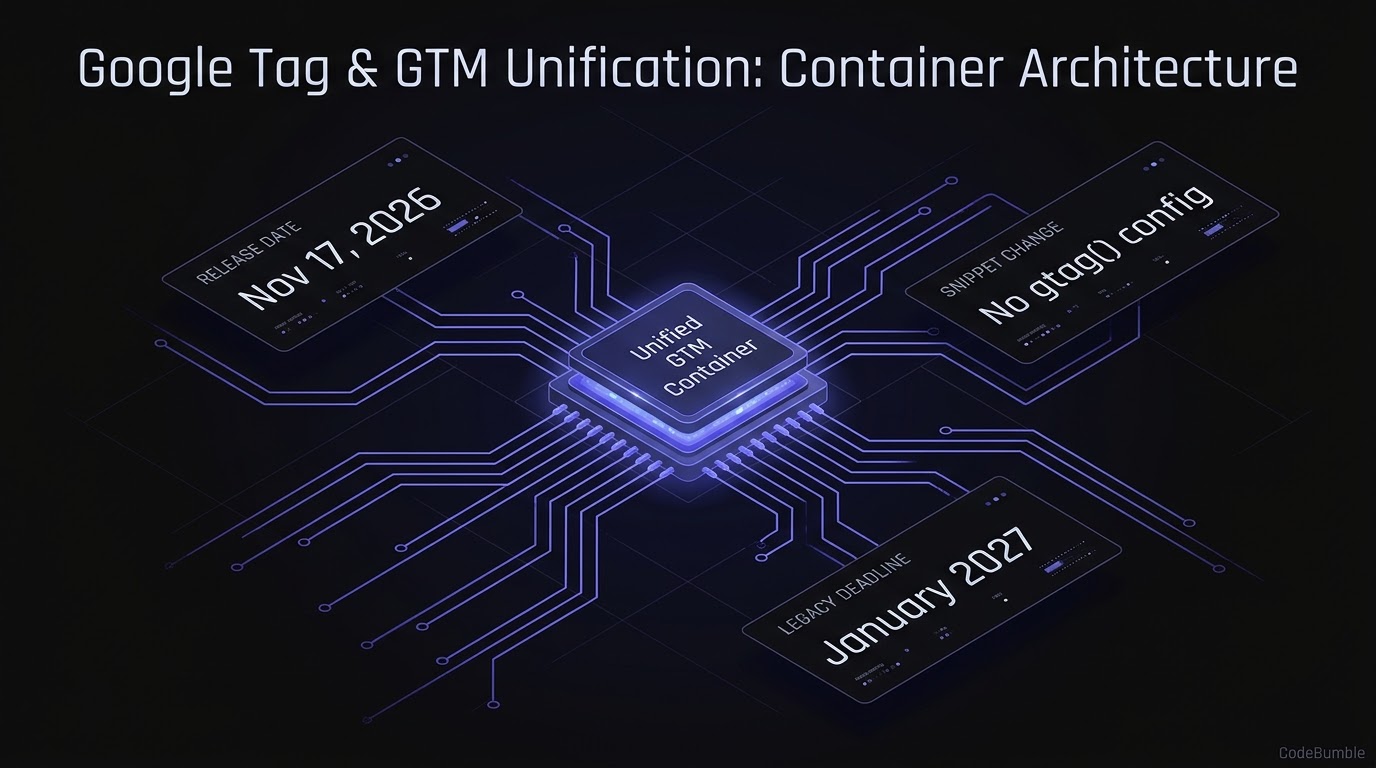
Executive Summary
On November 17, 2026, Google published release notes announcing the rollout of Google tag and Google Tag Manager (GTM) unification, following its initial announcement on August 20, 2026. Under this architecture, every standalone Google tag becomes a fully capable Google Tag Manager container—giving websites that previously relied only on gtag.js access to GTM's interface-driven tagging, debugging in Tag Assistant, and version control without changing in-page tag behavior.
For SEO, analytics, and front-end engineering teams, the operational deadline is January 2027: Google states that unsupported installations will receive an automatic upgrade then and advises administrators to adjust their setups beforehand. In addition, new deployment snippets no longer include the gtag('config') command, shifting initialization to standard Google Tag Manager Initialization triggers, while GTM container permissions now govern Tag Assistant data access across the board.
Confidence & Evidence Caveats: Confidence in the architectural changes, rollout timeline, and permission model is high based on primary documentation from Google Tag Manager Release Notes (November 17, 2026) and Updates to Google tag and Google Tag Manager (August 20, 2026), corroborated by Search Engine Roundtable (November 17, 2026). Note that while Google's October 12, 2026 and August 20, 2026 notes state that optimized GTM containers send data directly to Google destinations for faster website performance (by avoiding loading an extra gtag.js layer), Google has not published quantitative millisecond or Core Web Vitals benchmarks for this improvement.
Technical Mechanics and Architecture
From Fragmented gtag.js + gtm.js to a Unified Container
Historically, teams running Google Tag Manager alongside standalone Google tags (G-XXXX for Google Analytics 4, AW-XXXX for Google Ads) often ended up with overlapping governance: GTM containers loaded an extra gtag.js script to forward data to Google destinations, while standalone Google tags maintained separate settings and permissions, fragmenting diagnostics in Tag Assistant.
The unified model collapses that split:
- Every Google tag becomes a GTM container: Standalone Google tag users gain GTM workspaces, version history, and interface-driven tagging. Each Google destination receives its own dedicated tag while preserving existing automated event triggers.
- Direct destination routing (optimized containers): When teams opt into GTM container optimization (introduced in the October 12, 2026 release notes), GTM sends data directly to Google destinations instead of loading an extra
gtag.jsruntime, reducing client-side script overhead and centralizing settings in the Settings tab. - Standardized deployment snippets without
gtag('config'): All new deployment snippets use a uniform template that omitsgtag('config'). Initialization ordering is handled via GTM'sInitializationtrigger (which can optionally wait for a legacyconfigcommand if required during migration).
+-----------------------------------------------------------------------+
|  Browser Page Load                                                    |
|  - Uniform deployment snippet (no inline gtag('config') command)      |
|  - dataLayer initialization + gtm.init trigger                        |
+-----------------------------------+-----------------------------------+
                                    |
                                    v
+-----------------------------------------------------------------------+
|  Unified Google Tag / GTM Container                                   |
|  - Container-wide Settings tab + Data Flow Map                        |
|  - Workspace version control, Tag Assistant, & GTM Permissions        |
|  - Optional Wait-for-Config on Initialization trigger (legacy mode)   |
+-----------------------------------+-----------------------------------+
                                    |
          +-------------------------+-------------------------+
          |                         |                         |
          v                         v                         v
+-------------------+     +-------------------+     +-------------------+
| Google Analytics  |     | Google Ads        |     | Floodlight /      |
| Destination Tag   |     | Destination Tag   |     | Other Destinations|
| (G-XXXX)          |     | (AW-XXXX)         |     | (Server/Client)   |
+-------------------+     +-------------------+     +-------------------+
Safe Initialization & Wildcard Trigger Guardrail
Google's October 8, 2026 and November 17, 2026 release notes highlight an important subtlety: gtm.js containers now initialize on container load regardless of gtag('config') commands, and config commands surface in dataLayer as visible gtag.config events. If your GTM container uses wildcard custom event triggers (.*), those triggers may fire unexpectedly on gtag.config.
When maintaining a defensive dataLayer and Content Security Policy (CSP) setup, initialize dataLayer explicitly before loading the container and avoid wildcard event matching:
// Safe dataLayer bootstrap before container load (avoids implicit global mutation)
window.dataLayer = window.dataLayer || [];

// Defensive consent default prior to GTM Initialization trigger
function gtag() { window.dataLayer.push(arguments); }
gtag('consent', 'default', {
  ad_storage: 'denied',
  analytics_storage: 'denied',
  wait_for_update: 500
});
Evidence: The 5 Key Changes Before January 2027
Based on Google's November 17, 2026 Release Notes and August 20, 2026 Documentation, here are the 5 concrete changes affecting site owners, SEO teams, and analytics engineers:
- Google Tags Upgrade to Full GTM Containers: Websites using only Google tag gain GTM's interface-driven tagging, debugging, and version control, with each Google destination represented as its own tag while preserving existing automation triggers.
- New Snippets Drop
gtag('config'): All new deployment snippets are standardized and omit thegtag('config')command; initialization timing must be managed through GTM'sInitializationtrigger (or configured to wait forconfigfor legacy compatibility). - Unified GTM Container Permissions: GTM permission settings now govern access across the board, meaning access to diagnostic data in Tag Assistant is controlled by the container's GTM user permissions rather than separate destination permissions.
- Optional Container Optimization & Direct Routing: Container admins (with Edit, Approve, or Publish rights) can run the optimization flow to eliminate redundant
gtag.jsloading and populate the centralized Settings tab and data flow map—while previewing changes before publishing. - January 2027 Automatic Upgrade for Unsupported Setups: Google explicitly warns that unsupported installations will be upgraded automatically in January 2027, giving teams roughly two months from the November 17, 2026 rollout notice to audit and adjust custom or legacy tagging paths.
Unification Timeline & Milestones
| Date | Milestone | Operational Impact | Source |
|---|---|---|---|
| July 9, 2026 | Container ID controls /gtag/js & /gtag/destination behavior |
GTM-XXXX unrestricted; G-XXXX/AW-XXXX restricted to Google tags/variables |
GTM Release Notes |
| August 20, 2026 | Unification & UI redesign announced | Introduced Settings tab, Visual Tagging (beta), and optimization banner | Google Help |
| October 8, 2026 | Standardized gtag('config') behavior |
gtm.js initializes on load; gtag.config events visible in dataLayer |
GTM Release Notes |
| October 12, 2026 | Container optimization released | Direct destination routing removes extra gtag.js latency |
GTM Release Notes |
| November 17, 2026 | Google tag & GTM unification rollout | Every Google tag becomes a GTM container; new snippets drop gtag('config') |
GTM Release Notes, SERoundtable |
| January 2027 | Legacy unsupported installation upgrade | Automatic upgrade applied to remaining unsupported setups | GTM Release Notes |
Hardening Playbook & Migration Audit
Six-Step Audit & Hardening Playbook
- Inventory All Tag Snippets Across Templates and Apps: Scan your codebase, CMS themes, and single-page app shells for
gtag('config',/gtag/js,/gtag/destination, andgtm.jsloaders to identify legacy or mixed-mode installations before January 2027. - Audit Wildcard Custom Event Triggers in GTM: Check every GTM workspace for regex custom event triggers (
.*) that could fire inadvertently ongtag.configevents now surfaced indataLayer. - Review Container Permissions Before Optimization: Because GTM permissions now control Tag Assistant access—and container optimization can automatically grant
Readaccess to linked Google destination accounts—audit your GTM user list and enforce least-privilege (Readvs.Editvs.Approve/Publish) with 2-Step Verification. - Test the Optimization Flow in Preview Mode: Use GTM's preview environment after running the container optimization flow to confirm all Google Analytics 4, Google Ads, and Floodlight tags fire on
Initializationwithout duplicating pageviews or dropping consent signals. - Preserve Legacy
configTiming Where Needed: If downstream third-party scripts depend on a legacygtag('config')call, explicitly configure the GTMInitializationtrigger to wait for theconfigcommand until those scripts are refactored. - Verify Core Web Vitals & Network Payloads Post-Migration: After publishing the optimized container, confirm in Chrome DevTools that redundant
gtag.jsrequests are eliminated and thatbfcache(back/forward cache) pageview restoration works as expected.
Defensive Detection Queries
Use these read-only repository and DOM/log checks to locate legacy gtag('config') dependencies and unsupported loading paths across your web properties:
# 1. Scan web templates and JS bundles for legacy gtag('config', ...) calls
grep -rnE "gtag\(['\"]config['\"]" ./src ./templates ./public 2>/dev/null

# 2. Detect unsupported /gtag/destination or hardcoded /gtag/js paths in HTML/TSX
grep -rnE "googletagmanager\.com/gtag/(js|destination)" ./src ./templates ./public 2>/dev/null

# 3. Check for wildcard regex triggers exported in GTM container JSON backups
grep -rnE '"value":\s*"\.\*"' ./gtm-exports/*.json 2>/dev/null
Rollback & Remediation Notes
Because Google Tag Manager maintains immutable container versions, always export a JSON backup of your workspace before running the container optimization flow. If an optimized container causes duplicate conversions or breaks a downstream custom HTML tag, revert by publishing the previous GTM container version in Versions (or restoring the exported JSON) and re-verifying in Tag Assistant.
Frequently Asked Questions
1. Does Google tag and GTM unification break existing on-page gtag.js tracking?
No. Google states in its November 17, 2026 release notes that the upgrade does not change the in-page behavior of Google tags; existing setups and automated event triggers are preserved while gaining GTM features.
2. Why do new deployment snippets omit gtag('config')?
Under the unified container model, initialization is handled natively by Google Tag Manager's Initialization triggers rather than an inline gtag('config') call. You can still configure the Initialization trigger to wait for config if you need legacy compatibility.
3. What happens if I have an unsupported installation and do nothing? Google states that unsupported installations will be automatically upgraded in January 2027, and advises administrators to review and adjust their setups before that deadline.
4. Who controls Tag Assistant access after this change? Google Tag Manager container permission settings now apply across the board, meaning access to diagnostic data in Tag Assistant is governed by your GTM container permissions.
5. Does container optimization improve site speed and SEO?
Google notes that optimized GTM containers can send data directly to Google destinations without loading an extra gtag.js script, reducing measurement latency and JavaScript overhead—though Google has not published specific millisecond benchmarks.
Sources
- Google Tag Manager Help (Primary) — Release notes for Google Tag Manager (Updated November 17, 2026)
- Google Tag Manager Help (Primary) — Updates to Google tag and Google Tag Manager (Published August 20, 2026)
- Search Engine Roundtable (Secondary) — Google Tag & Google Tag Manager Unification (Published November 17, 2026)